 DEBOB2
Download the DEBOB2 interview simulator app
Version 2.7.4. One installer for Mac, one for Windows. You need an activation code from the Pass or Pro plan to start listening; everything else is set up in the guided wizard.
macOS (Apple Silicon)
macOS 14.2 or newer. Drag DEBOB2 to Applications. The first time, right-click → Open, then Open again.
DEBOB2-2.7.4-arm64.dmg · SHA-256 published with the link
Get the Mac download linkWindows 10 / 11
Run the installer. If SmartScreen appears, click More info → Run anyway. DEBOB2 shows in the taskbar like any app.
DEBOB2-Setup-2.7.4.exe · SHA-256 published with the link
Get the Windows download linkThe setup wizard does the rest
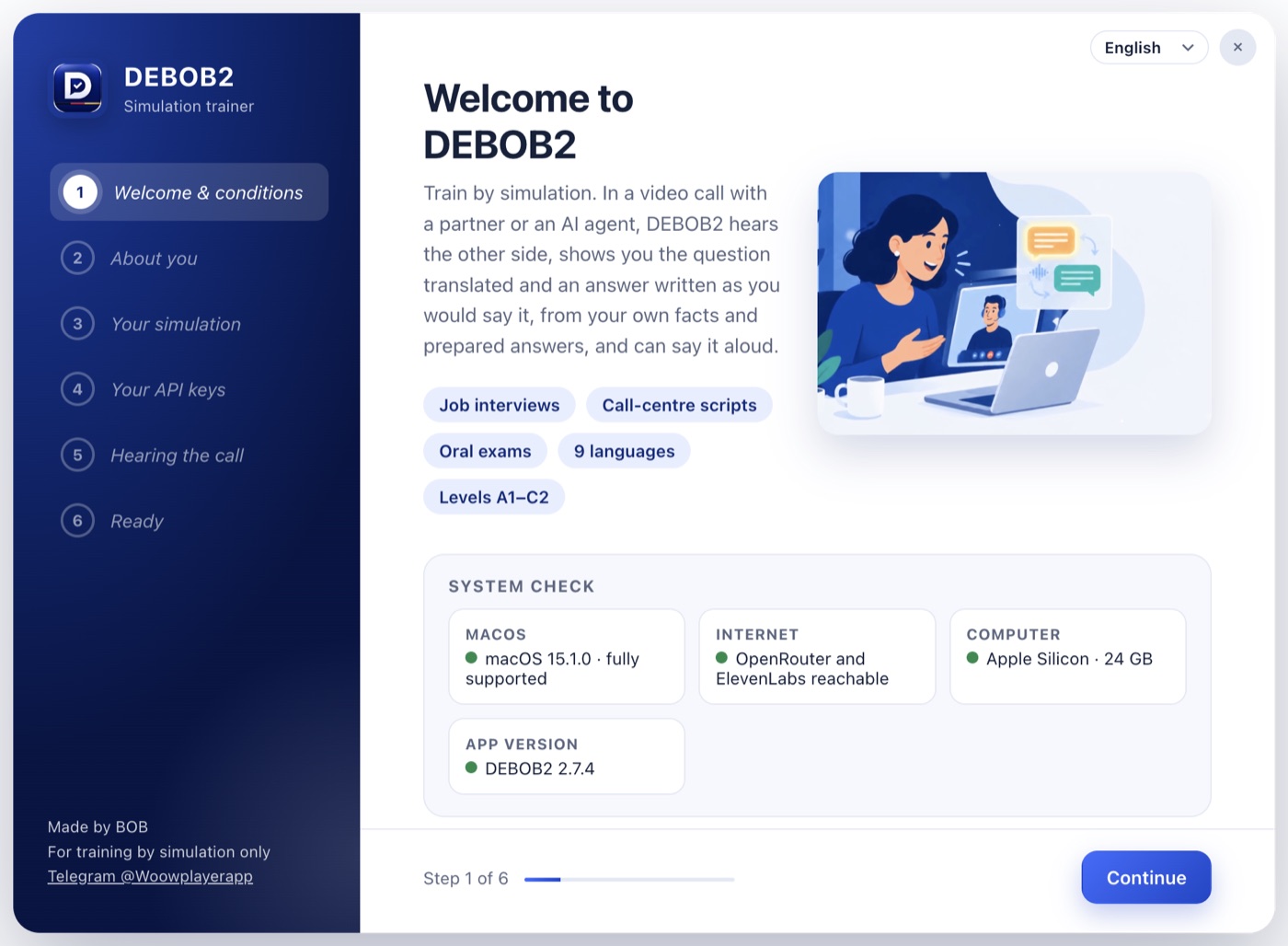
Six short pages in your language: system check, about you, your scenario and level, your two API keys with a live test, a call-audio test, and a summary with the shortcuts. About ten minutes.
- Links to the exact page where each key is created
- Green check when a key works
- Terms of use shown and accepted in the wizard
After installing
- Open DEBOB2 and complete the wizard.
- Open Settings → Subscription, enter your activation code and your details.
- Join a Meet or Zoom practice call and press Alt R (Option + R on a Mac).
Stuck? Write to Telegram @Woowplayerapp; we set it up with you on a call.